Glass ribbons in three shapes and two colours
The Ariclue site draws glass ribbons over the page. The scene has three shapes: two ribbons, a Möbius ring and one ribbon. Each shape has a light and a dark version. This page shows all six, explains how the glass is drawn and gives the full code.
Previews
Each preview runs the live scene. Pause stops it. With reduced motion turned on, each preview shows a still image instead.
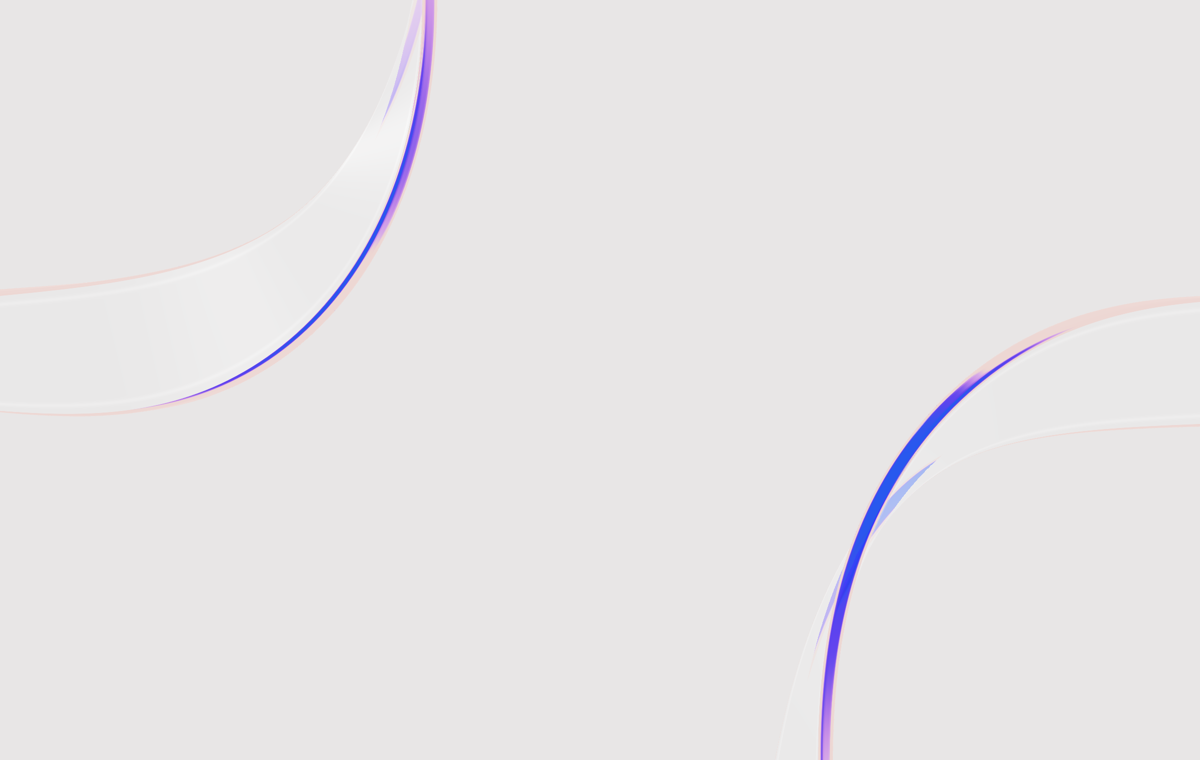
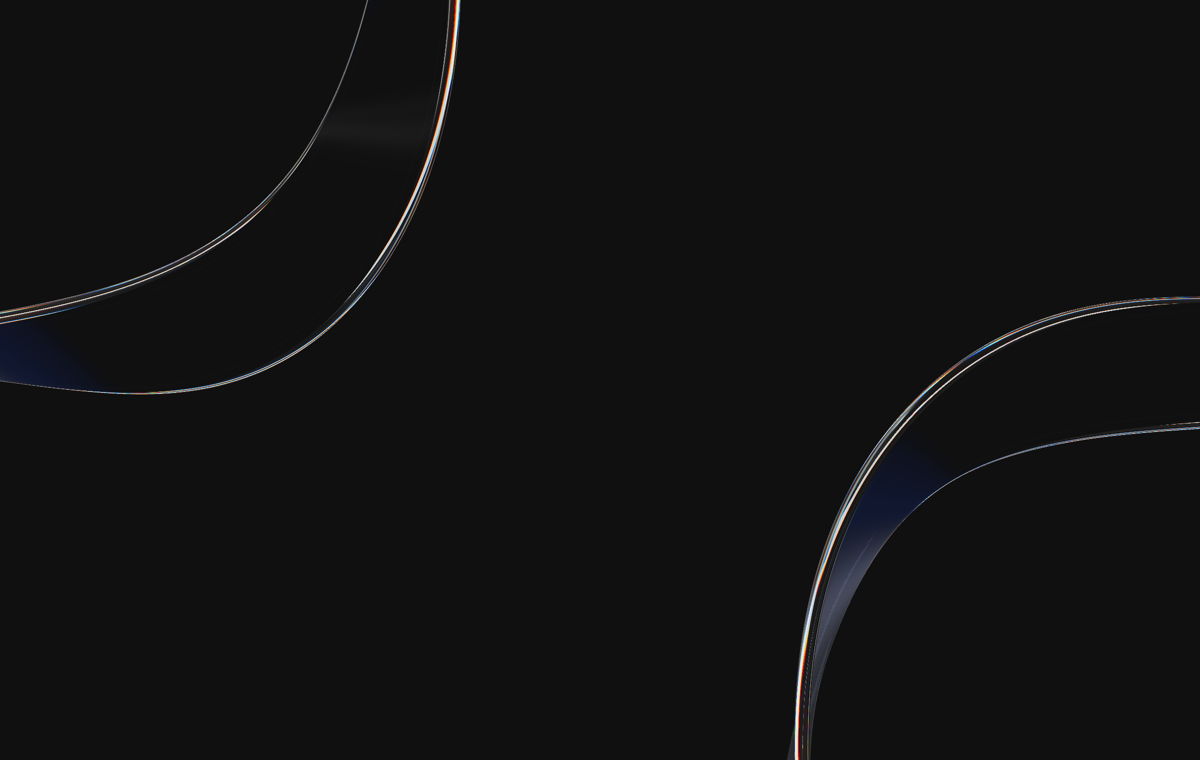
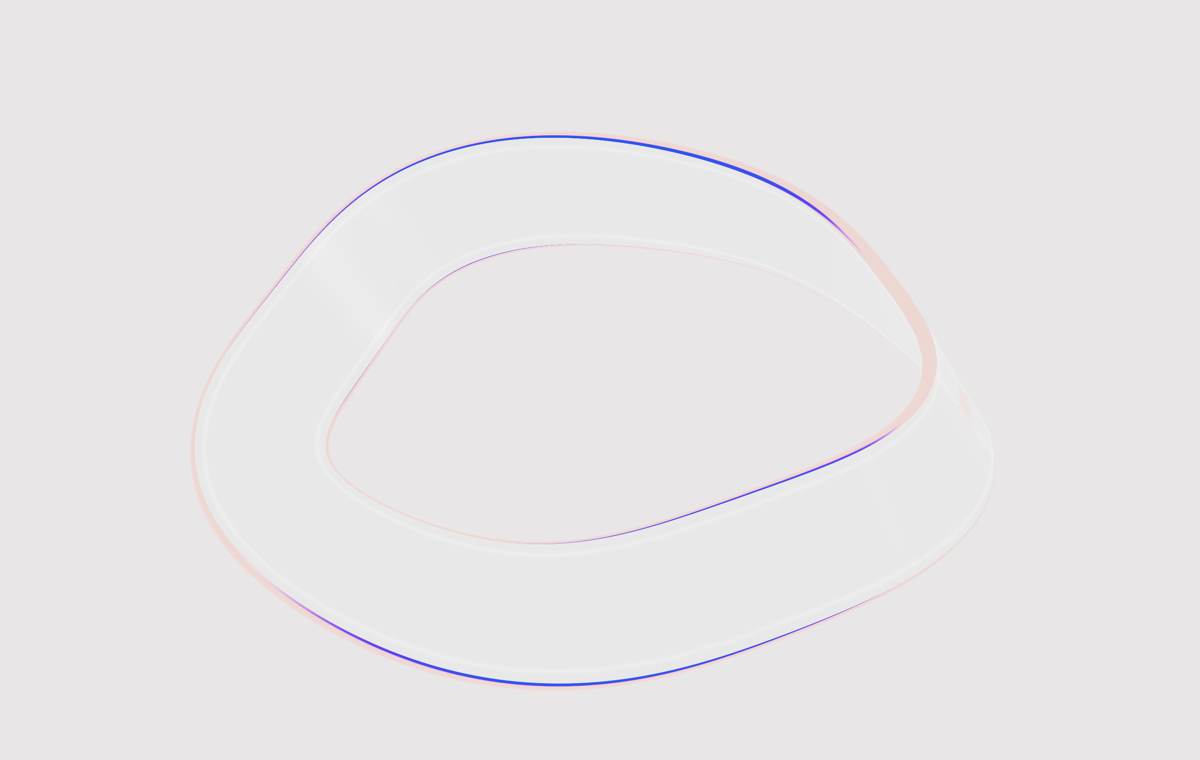
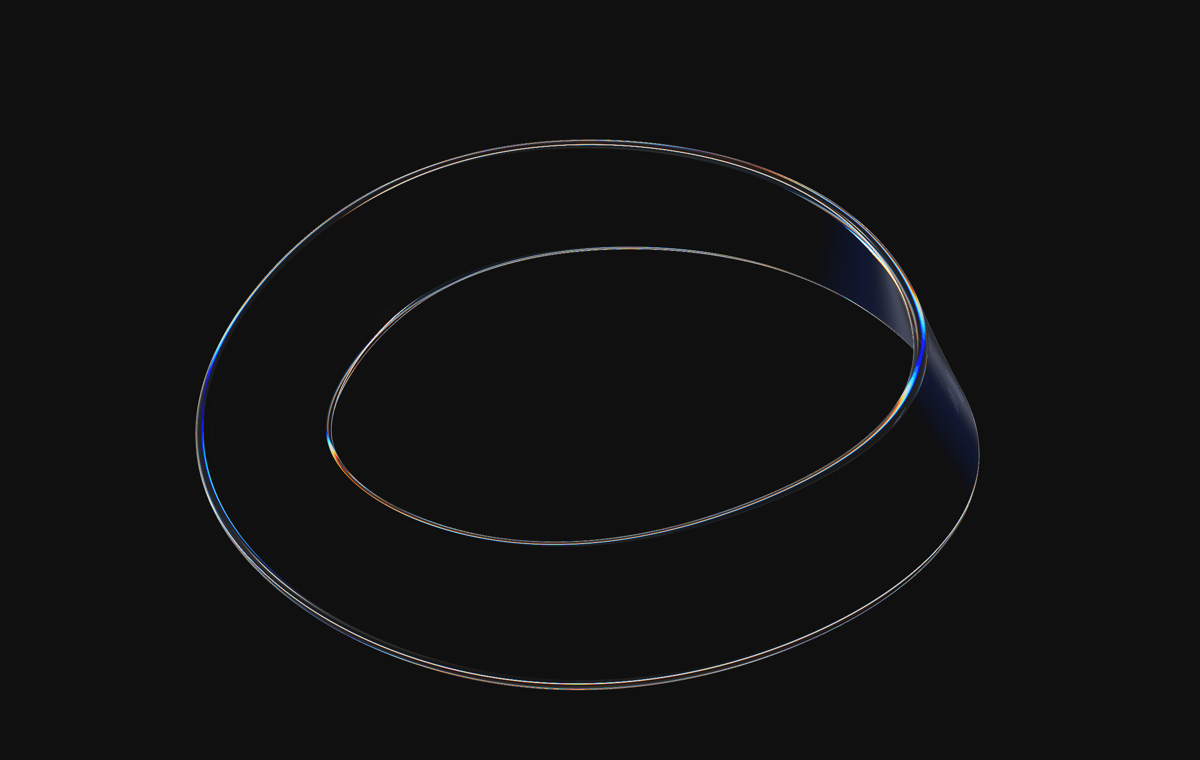
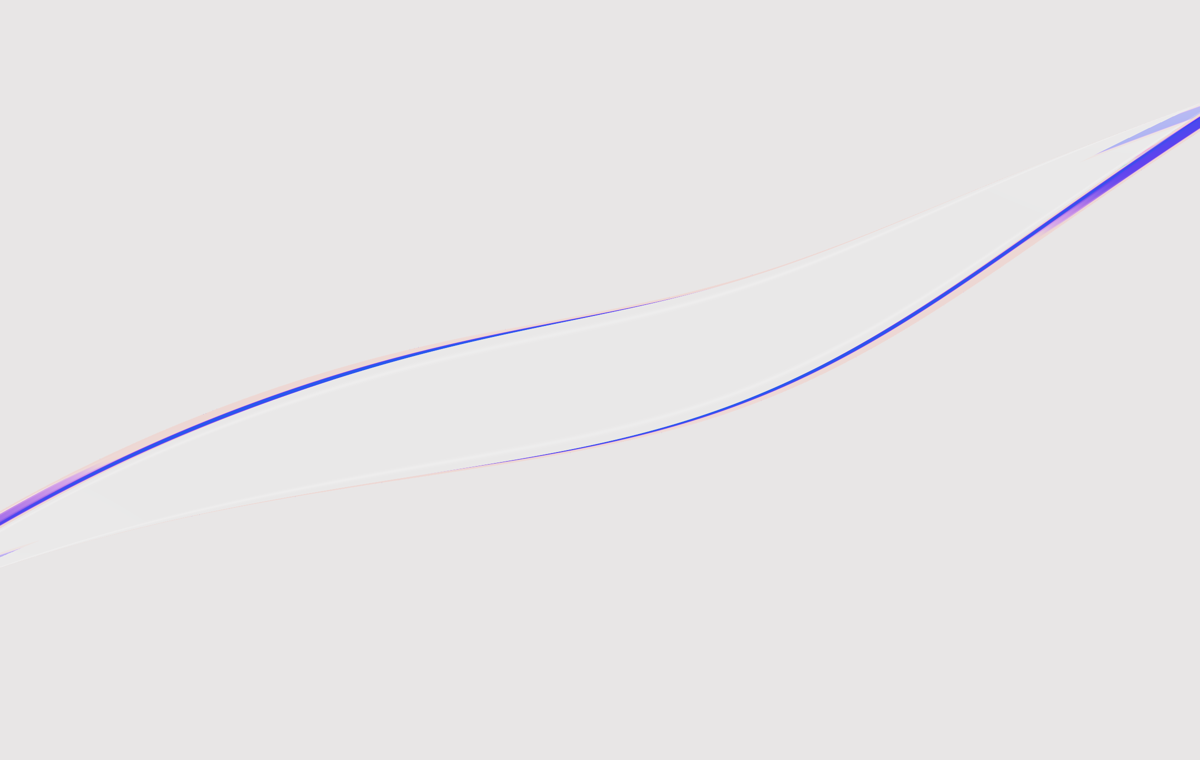
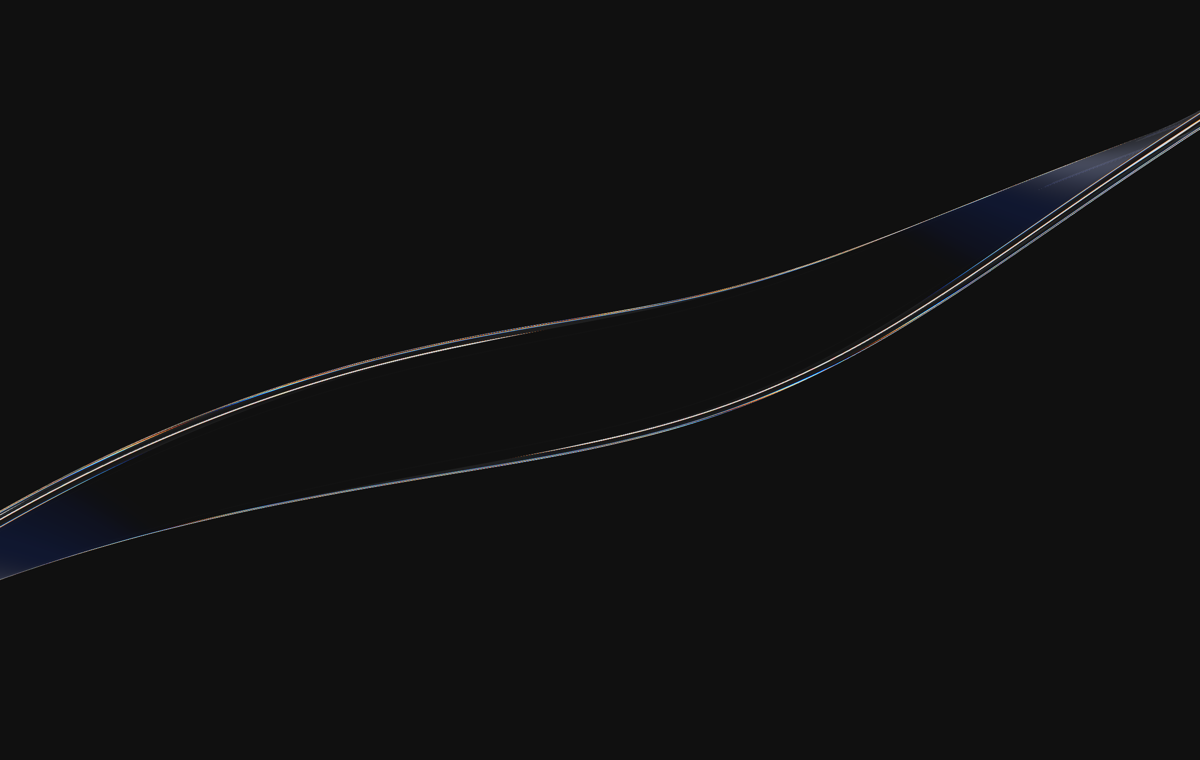
In the code the shapes are numbered 0, 1 and 2. Open
index.html
with ?shape=0, 1 or 2 and
?colour=light or dark to show one
version. Each preview runs only while it is on screen.
How it works
The scene is drawn with WebGL through three.js r170. Each ribbon is solid glass that bends the page behind it.
Geometry
Each ribbon is a thin glass band. Its half-width is 0.42 scene units and its half-thickness a ninth of that. The band is built once and never bends. What looks like change is the solid ribbon turning in space, seen through a camera with a 30° field of view.
Refraction
The page behind the glass moves only at the rounded edges, where glass meets air. The middle of each flat face keeps the page in place, as a thin parallel plate of glass does. The shift follows Snell’s law with a refractive index of 1.5, then is scaled up so it can be seen.
Dispersion
Light through the edges splits into a spectrum of five samples, with 30% kept white. In the dark version the round edge is also traced as a glass prism, with seven wavelength samples and up to four bounces inside the glass.
The Möbius seam
A Möbius ring passes behind itself. Where a far surface is the back of the same spot on the same ribbon, the shader skips it, so no seam shows. Places where two different parts cross still show.
Motion
The ribbons move slowly by themselves. On a desktop the pointer pushes them aside; on a phone, tilting or shaking the device moves them. The scene stops when it is off screen, when its tab is hidden or when it is paused. With reduced motion on, it draws one still frame.
Code
The scene is one JavaScript module,
src/ribbon-scene.js, with its shaders inline. It
imports three.js r170, which is included. Copy a file, or
download all of them.
| File | What it holds |
|---|---|
| The preview page: the scene and the shape, colour and pause controls. | |
| Reads the parameters, starts the scene and wires the controls. | |
The scene: geometry, motion, shaders and render passes.
createRibbonScene() is its only export.
|
|
| The preview page’s styles. | |
vendor/
|
three.js r170, unchanged. |
| The MIT licence of three.js. | |
| CC0 1.0 Universal legal code. | |
| Which licence covers which files. | |
| What the scene is, how to run it, its parameters and files. |
      float pageRefractionScale() {
        return smoothstep(0.02, 0.3, vRim);
      }
      uniform sampler2D uBackHi;
void main() {The page shows each file in full. The block scrolls inside a fixed height, and line numbers are not copied.
Licence and repository
The scene code is released under CC0 1.0: no rights reserved.
You may copy, change and use it for any purpose without asking.
three.js, in vendor/, keeps its own MIT licence.
CC0 does not license trademarks, so the Ariclue name and wordmark are not part of the package. The previews show the scene without them.
The same files are kept in a public repository, where changes to the scene are recorded.